
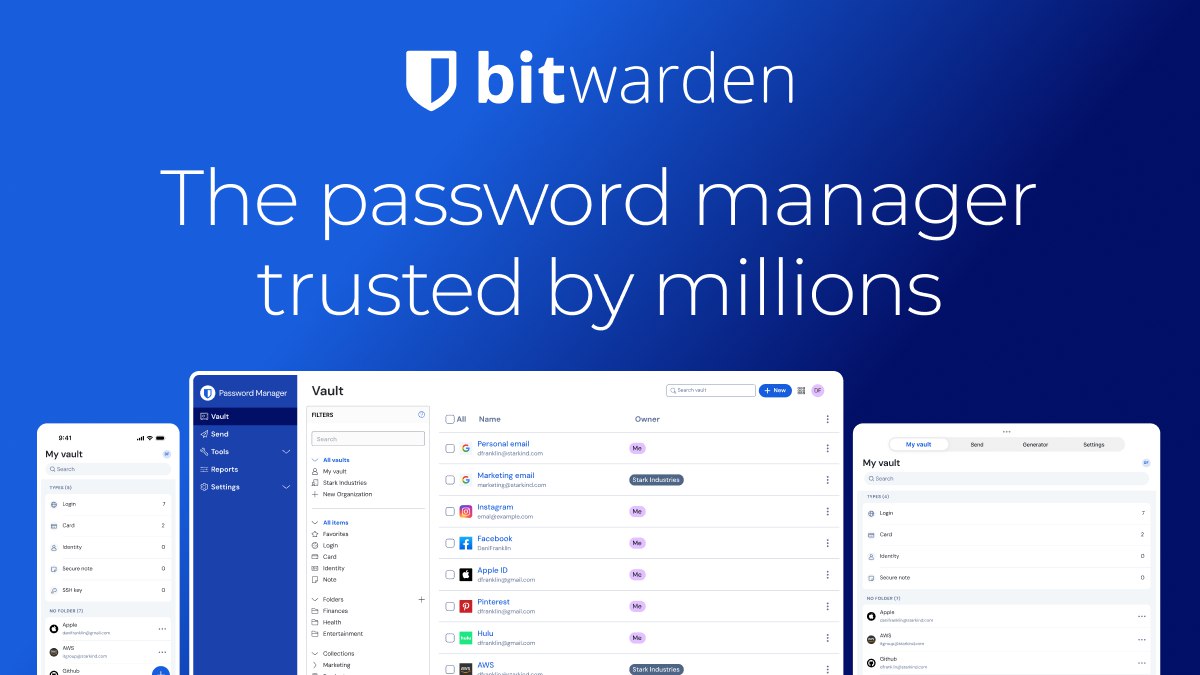
Five years ago I moved every password into Bitwarden and stopped reusing the same three. The switch took one evening. Since then the manager has survived two laptops, three phones and a few breaches that never reached me.
Why a password manager is non-negotiable
Reuse is the real risk. One leaked database turns an old forum account into a key for your mail. A manager gives every site its own long password, so a leak stays local. You remember one strong passphrase instead of forty weak ones.
How I use Bitwarden every day
Browser extension for logins, desktop app for long sessions, phone for two-factor codes and travel. Bitwarden keeps the vault in sync, works offline and fills forms without a subscription. The free tier covers one person and unlimited devices.
Free versus premium
The paid plan adds file attachments, emergency access, a security report and TOTP inside the vault. For one person the free tier is enough. For a family, the shared collection and recovery options are worth the small yearly fee.
Self-hosting
Bitwarden can run on your own server. That appeals to people who do not want a vendor holding the vault. The cost is maintenance: updates, backups and a restore plan. If you cannot test a restore, do not self-host.
Moving in
Export from the old manager, import, then delete the old vault. Change the passwords that mattered first: mail, bank, hosting, domain. Turn on two-factor authentication everywhere it exists, and keep the recovery codes offline.
What to check before choosing
- Open source and independent audits.
- Sync across the devices you actually use.
- Export without lock-in.
- TOTP, passkeys and emergency access.
- A recovery plan you have tested.
Family and team
A shared collection solves the “what is the wifi password” problem without sending secrets in chat. For a team, groups and audit events matter more than the price. Set access by role, not by convenience.
Three objections I hear
What if the service disappears? Export the vault monthly; the format is plain and portable.
What if I forget the master password? Recovery codes and emergency access exist for that.
What if my device is stolen? The vault stays encrypted and the session can be revoked remotely.
What it does not fix
Bitwarden publishes its security whitepaper and the documentation covers migration and recovery. A manager cannot stop a phishing page that asks for the code you just received. It cannot protect a server where you reuse the admin password. It is one layer, and it works best with two-factor authentication and a backup.
Five years later I still pay for Bitwarden, still recommend it, and still keep a printed recovery kit in a drawer.
Questions about the free tier
Is free enough for one person? Yes: unlimited passwords, unlimited devices, sync and TOTP on the paid plan only. Most people never hit the limit.
What if I lose the master password? Without a recovery method, the vault is gone. That is the point of encryption. Set up emergency access or keep the recovery kit offline.
Can I leave? Export the vault at any time. Test the export once, before you need it.
Is self-hosting worth it? Only if you can update, back up and restore it without help. Otherwise you are one disk failure away from losing everything.
None of this is exotic: a printed recovery kit, an export you have opened once, and a second factor that is not your mail app. Ten minutes once a year is cheaper than one locked vault on a Monday morning.
Related reading: AI image upscaling for free and The best WordPress security plugin: what actually matters.